
Budgets
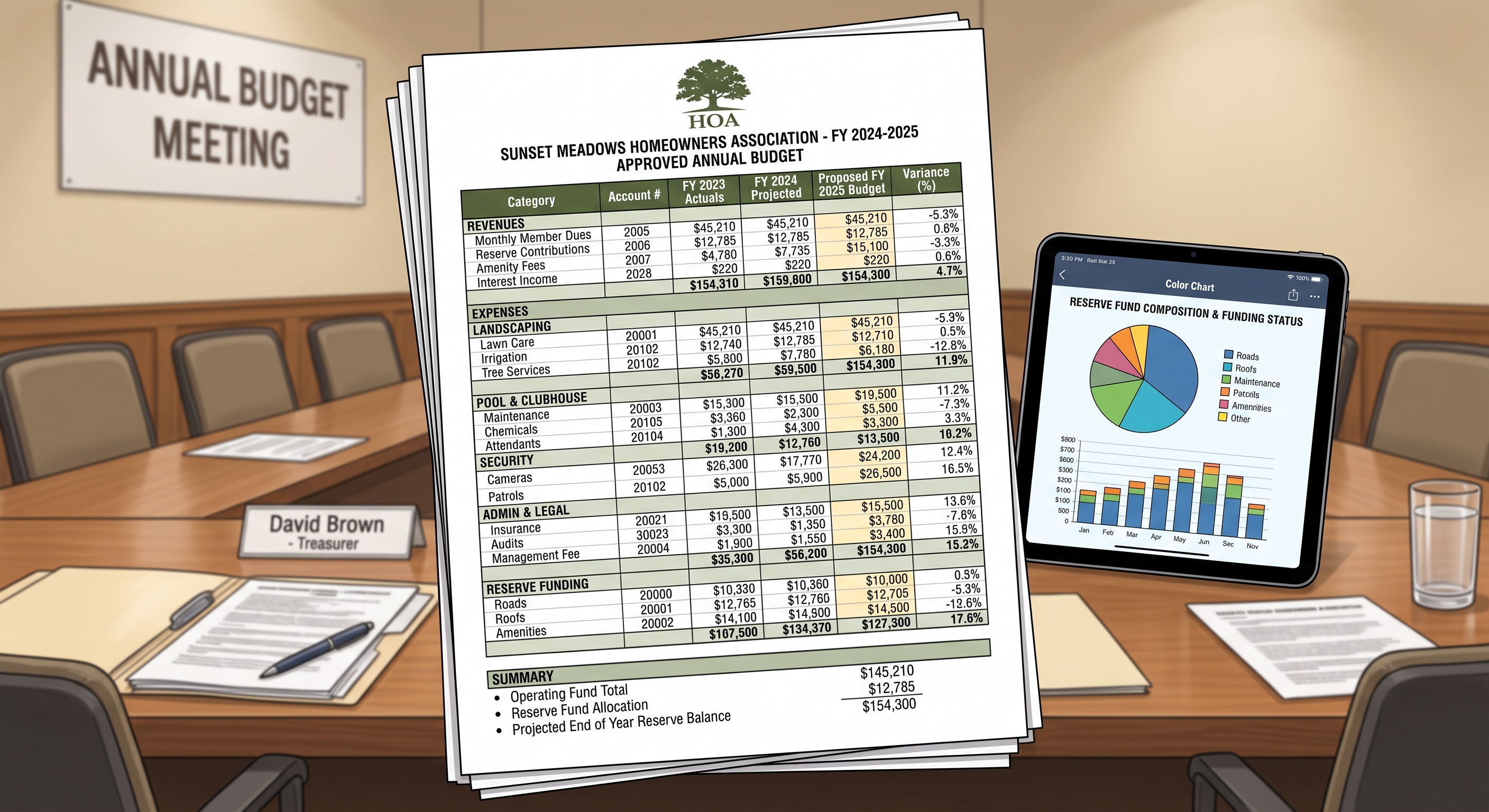
Each year, your association prepares an operating budget for the upcoming fiscal year and provides the membership with an annual budget and disclosure packet. VirtualHOA.com coordinates this process with the Board of Directors, beginning with a proposed budget and concluding with distribution of the completed disclosure packet to the membership.
This article explains what the Board will receive, how directors review and edit the proposed budget, how the Board records its decision, and what happens after the budget is approved.
Overview of the process
The annual process consists of two related parts:
Preparing and approving the association’s operating budget
Preparing, reviewing, and distributing the annual budget and disclosure packet
VirtualHOA.com begins both processes approximately six months before the end of the association’s fiscal year. The budget and disclosure packet are handled through separate tasks because the approved budget must be completed before it can be incorporated into the final disclosure packet.
Step 1: AI prepares a draft budget
Our AI software produces a draft budget operating budget and assessment schedule using the association’s actual financial information from the last year up to the last closed fiscal period. The system also makes assumptions for expenses using inflation rates and data from vendor contracts uploaded in the online portal.
Please note that AI can make mistakes, so it is imperative that the Board reviews and adjusts the figures per the below steps.
Step 2: The Board receives a budget review task
When the proposed budget is ready, the Board receives an email with instructions to review it.
The Board should sign in to the association’s online portal and visit the Board Tasks page:
The budget review task includes the draft budget as an Excel attachment. The notification also provides a follow-up date by which the Board should complete its review and submit its decision.
Step 3: The Board downloads and reviews the draft budget
From the Board Tasks page, directors should open the budget task and download the attached spreadsheet.
The spreadsheet includes:
An Operating Budget tab containing the association’s proposed income and expenses
An Assessment Schedule tab showing how the budget affects owner assessments
Notes concerning individual budget items, when applicable
The Board should review the budget against the association’s expected operations for the upcoming fiscal year.
Items the Board should consider
During its review, the Board should consider:
Planned maintenance, projects, or other Board priorities
Expected increases in landscaping, pool, pest control, or other contracts
Possible utility and insurance cost changes
Legal, election, or other unusual expenses
The appropriate operating contingency
Any operating fund obligations owed to the reserve fund
The reserve contribution recommended by the association’s current reserve study
The Board’s knowledge of the association’s plans is an important part of the budget process. If the proposed amounts do not reflect the Board’s expectations, the directors should revise the appropriate budget figures before approval.
Step 4: The Board edits the budget
The Board must review and update the proposed AI-generated budget spreadsheet before submitting it.
On the Operating Budget tab, the Board may edit:
Column “FY20YY Budget”, for the upcoming fiscal year’s annual budget amounts
Column “Notes”, for explanations or comments associated with budget items
The Board should not edit other spreadsheet cells. The remaining cells contain information or formulas that adjust automatically based on the amounts entered in the editable budget column.
Review the assessment schedule
The Board should also review the Assessment Schedule tab.
This tab shows how the proposed budget translates into owner assessments. If the Board changes the budget, directors should review the assessment schedule again to understand the effect of those changes.
If the assessment schedule appears incorrect, the Board should send a message to our team from the budget task page instead of attempting to correct the assessment allocation directly. The internal procedure requires ownership percentages to be corrected in the association’s accounting records before the budget process is restarted.
Step 5: The Board formally decides on the budget
The Board should hold a Board meeting to consider and approve the budget.
After the Board has made its decision, an authorized director should return to the budget task on the Board Tasks page and submit the appropriate response.
The Board has two options:
Approve
Select Approve if the Board has approved the proposed or Board-edited budget.
The budget spreadsheet attached through the portal will become the approved version used to establish the association’s budget and assessment schedule for the upcoming fiscal year.
Decline
Select Decline if the Board does not approve a new budget and intends to continue the current budget for the next fiscal year.
When this option is selected, the existing budget and assessments continue into the next fiscal year rather than implementing the proposed new budget.
Questions or comments
The Board can send a message to the our team directly from the budget task page. Directors should use this option if they have a question, need clarification, or believe the assessment schedule contains an error.
What happens if the Board does not respond?
The Board should act by the follow-up date stated in the budget notification.
If the Board does not submit a response by that date, the workflow automatically proceeds as though the Board declined the proposed new budget. The current budget and existing assessments will then continue the same for the next fiscal year.
Step 6: We implement the Board’s budget decision
If the Board approves a new budget
After approval, our accounting team:
Saves the Board-approved spreadsheet in the association’s permanent budget records
Imports the approved budget into the association’s accounting system
Verifies the imported budget amounts
Marks the upcoming fiscal year’s budget as approved
Reviews the approved Assessment Schedule tab
Updates owner assessments for the next fiscal year
Updates recurring reserve funding transfers, when applicable
These steps ensure that the Board-approved budget, assessment schedule, and reserve contribution are reflected in the association’s accounting records for the upcoming fiscal year.
If the Board declines or does not respond
If the Board declines the proposed budget, or does not respond by the follow-up date:
The current budget continues into the next fiscal year
Current assessment amounts continue
The existing budget is carried forward in the association’s accounting records
The budget records are documented to show that the proposed new budget was not approved
The budget process then moves forward using the carried-forward budget.
Step 7: We complete the annual disclosure packet
Preparation of the annual disclosure packet begins while the budget is being reviewed. Sections that do not depend on the final budget can be prepared in advance.
Once the budget process is complete, the approved or carried-forward budget information is added to the packet. The completed annual budget and disclosure packet is then converted to PDF and sent to the Board for review.
Step 8: The Board reviews the disclosure packet
The Board receives a separate portal task with the draft annual budget and disclosure packet attached.
Directors should review the entire packet for accuracy and completeness, including:
Association-specific information
The budget included in the packet
Assessment information
Financial and policy disclosures
Any other information requiring Board verification
The disclosure packet review is separate from the earlier budget approval. Approval of the operating budget does not automatically constitute approval of the completed disclosure packet.
Approving the packet
If the packet is accurate and complete, the Board should select Approve in the online portal.
Requesting corrections
If something in the packet is incorrect, the Board should select Decline and provide comments explaining what needs to be changed.
Our team will review the comments, revise the packet, and return the corrected version to the Board for another review.
No response from the Board
The packet notification includes a response deadline. If the Board does not respond by the date stated in the notification, the packet will be treated as approved under the established workflow.
Step 9: The approved packet is distributed
After the annual budget and disclosure packet is approved, our team:
Saves the approved packet in the association’s permanent records
Publishes the final packet in the association’s online portal
Prepares the packet for member distribution
Sends the packet through the association’s designated delivery process
Completes any additional document-publication requirements
The packet published in the portal and distributed to the membership is the finalized version produced after the Board’s review process.
Board checklist
When the Board receives the annual budget task:
Sign in to the online portal.
Open the Board Tasks page.
Open the budget review task.
Download the attached budget spreadsheet.
Review the Operating Budget tab.
Edit only Column J and Column M, if changes or notes are needed.
Review the Assessment Schedule tab.
Send a message to our team if the assessment schedule appears incorrect or clarification is needed.
Hold a Board meeting to consider and approve the budget.
Return to the task and select Approve or Decline by the stated follow-up date.
Later, review the separate annual budget and disclosure packet task.
Approve the packet or decline it with specific correction comments.
Important reminders
The Board reviews the budget through the Board Tasks page in the online portal.
The editable budget fields are Column J and Column M of the Operating Budget tab.
Other spreadsheet cells should not be edited because they adjust automatically.
The Board should review the Assessment Schedule tab before approving the budget.
The Board must formally consider the budget at a Board meeting.
Selecting Approve implements the new budget.
Selecting Decline means the current budget and assessments will continue.
Failure to respond by the budget follow-up date also results in the current budget continuing.
Budget approval and annual disclosure packet approval are separate actions.
The Board may contact our team from the task page if assistance or clarification is needed.
The final disclosure packet is distributed to the membership after completion of the Board review process.